

Models and settings stay visible
See the model, prompt, references, and generation settings in one place.
Turn your ideas into original visual creations with powerful AI tools.
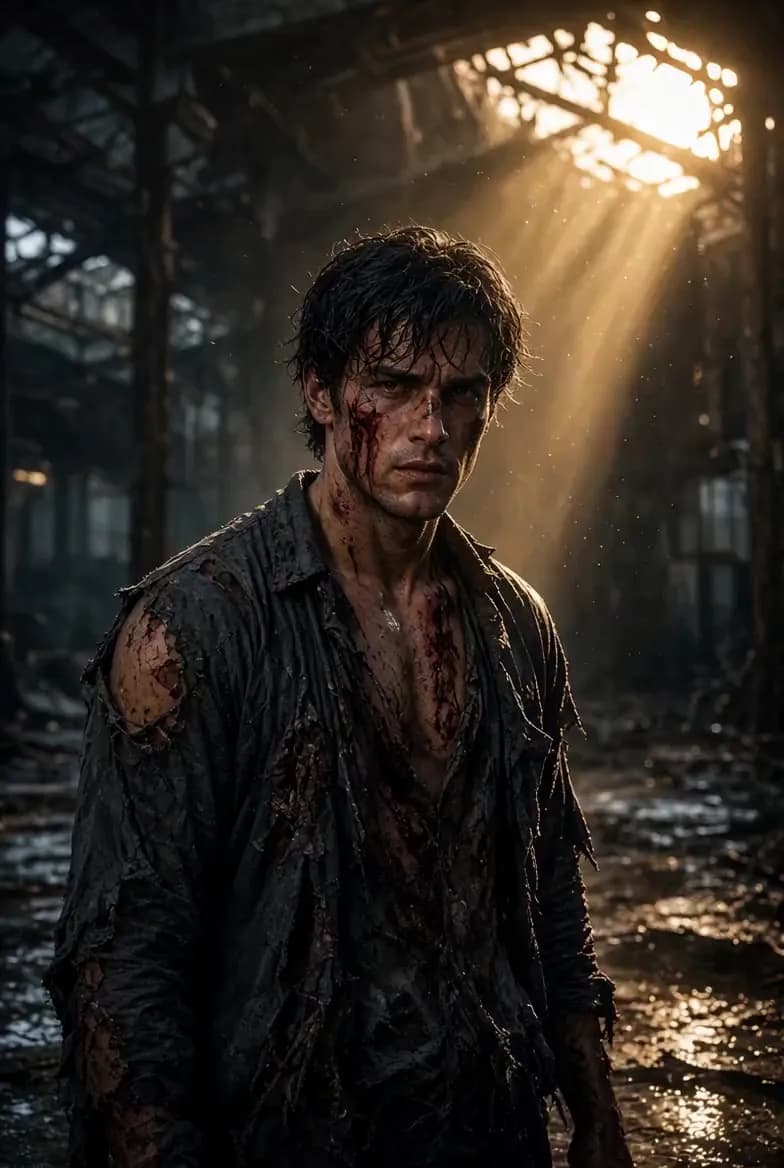
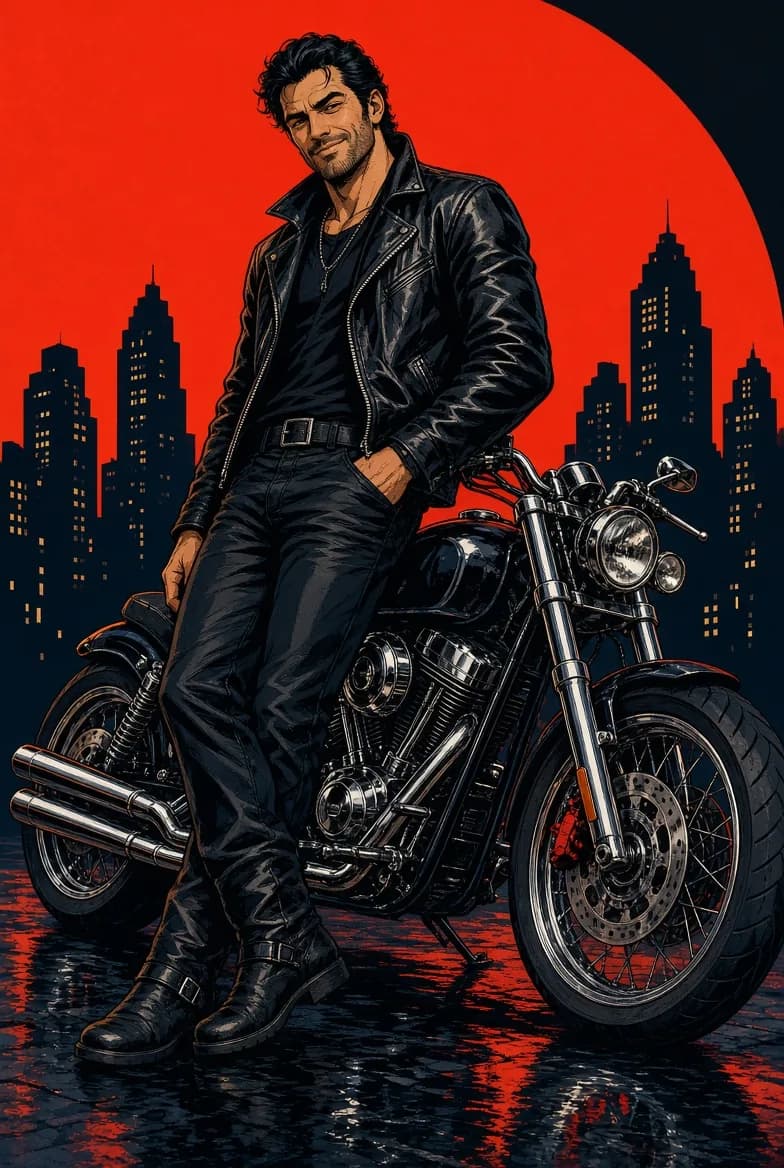
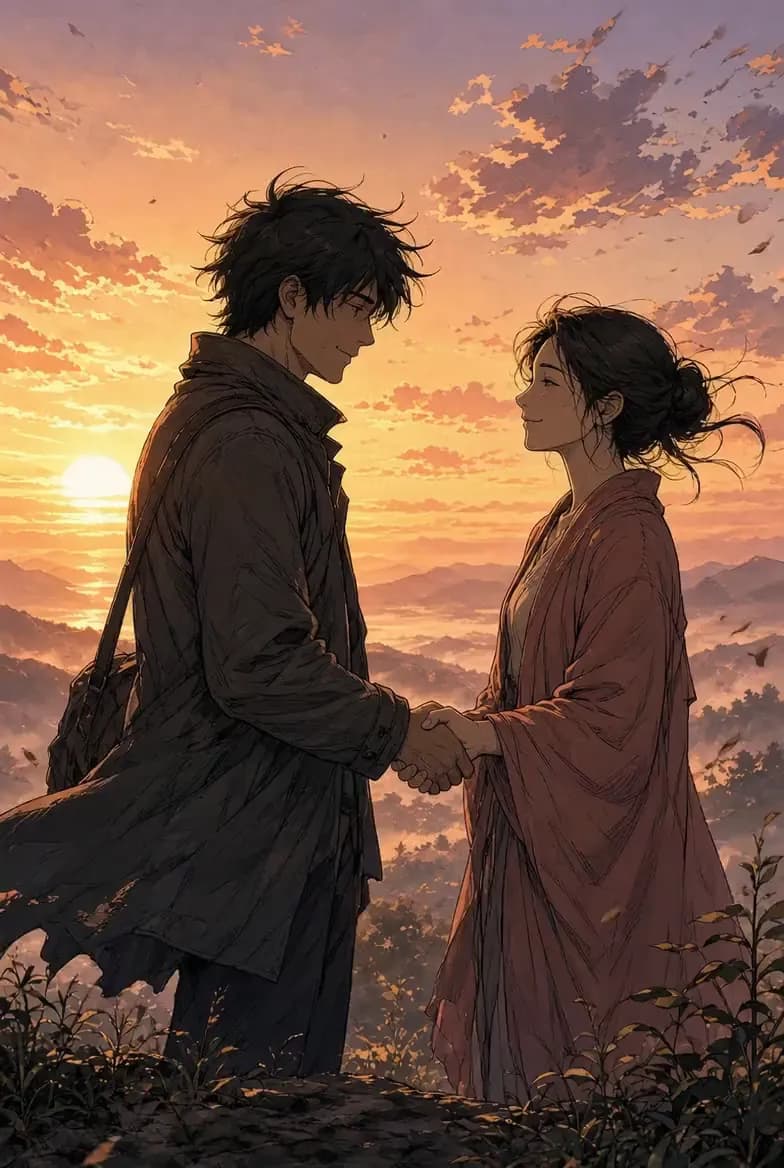
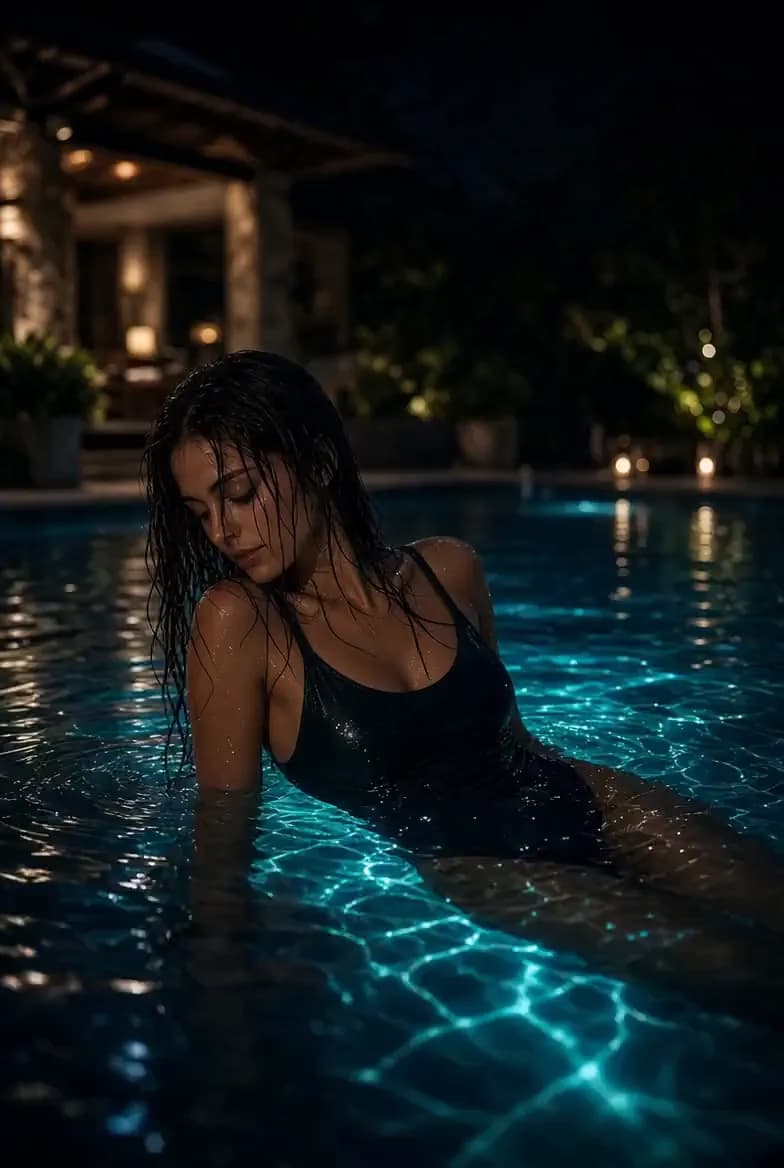
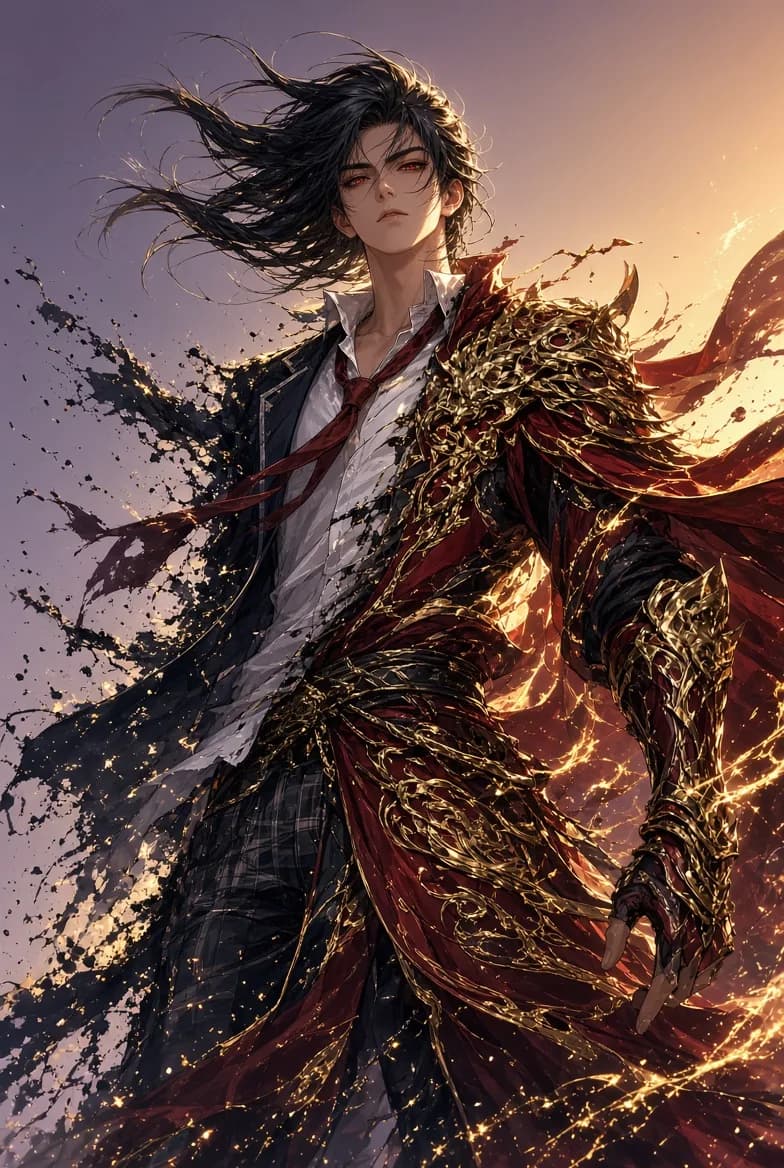
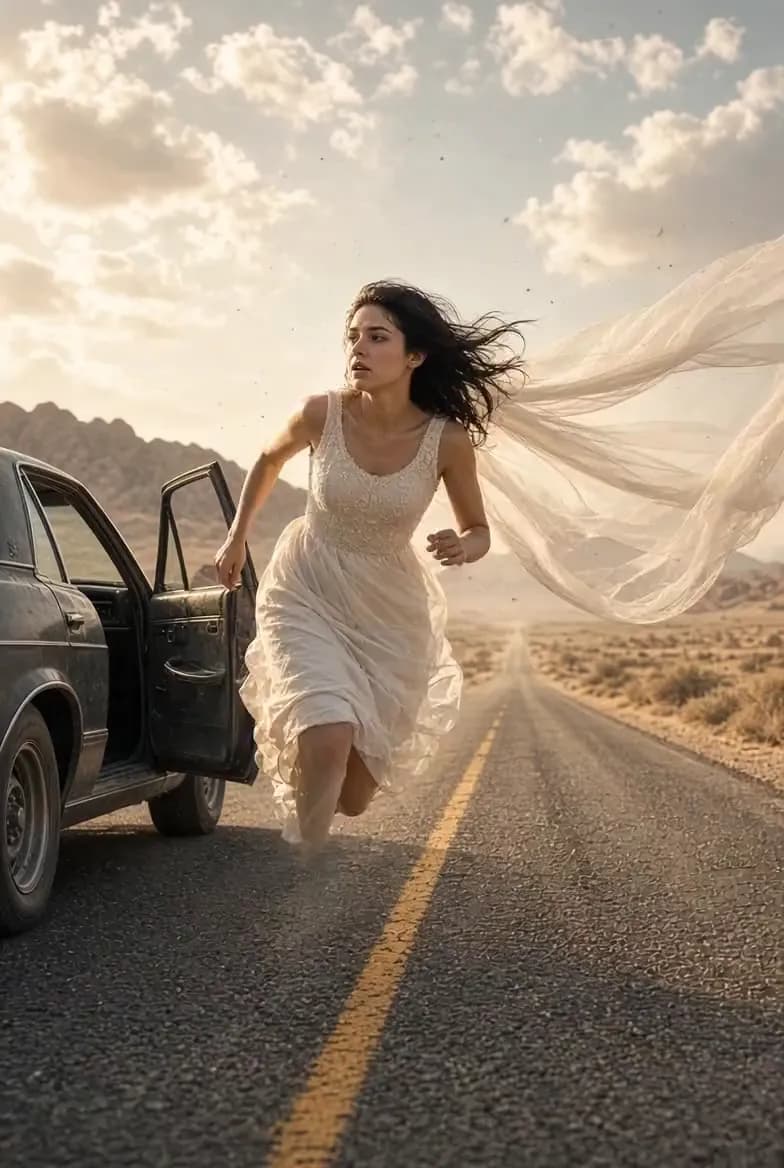
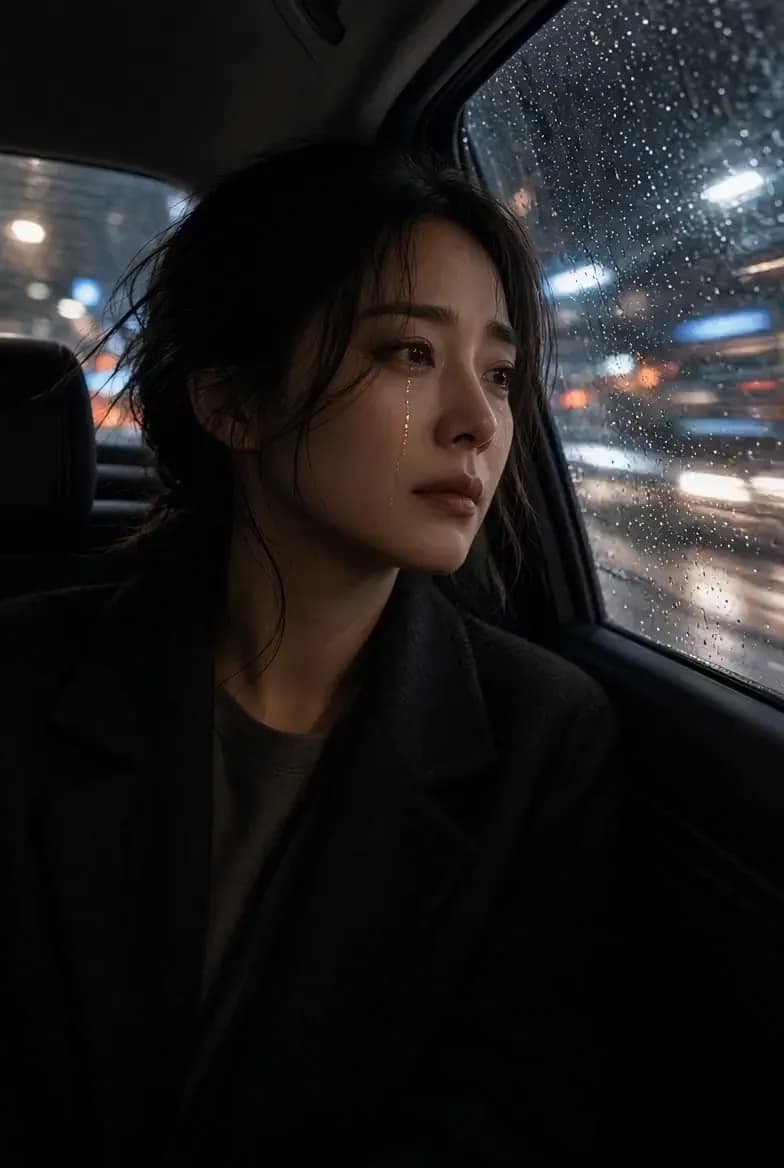
Lumi Arts brings AI image generation, AI video creation, and specialized visual tools into one workspace. Start from a prompt, upload a reference, or pick the tool built for the job. For Lumi Arts work, use the image generator, the video generator, or the matching specialized tool.
Choose a focused AI tool for a specific result, or open the full studio when you want more control over models, references, and generation settings.
Open AI Studio 01Image
Start from a text prompt or references to create AI images with model and credit settings visible before you generate.
Open 02Image
Turn a scene and dialogue into a complete comic page with panels, artwork, and speech bubbles.
Open 03Image
Use a person photo or prompt to create lingerie-style fashion concepts while preserving pose, lighting, and scene direction.
Open 04Image
Swap a face into another image while preserving the pose, hair, lighting, and scene as closely as possible.
Open 05Image
Try a new outfit using a person photo and garment reference. Keep the original pose, scene, and overall look while changing the clothing.
Open 06Image
Use an authorized adult photo to explore consent-first wardrobe transformations while keeping the pose, lighting, and scene context.
Open 07Video
Turn two approved images or a prompt into a short hugging video with full motion controls.
Open 08Video
Turn two approved adult references into a short kissing video with motion, framing, and duration controls.
Open 09Image
Use an authorized adult image to explore body-shape variations while preserving pose, lighting, and scene context.
OpenStart with a prompt, a reference, or an image you want to bring to life.
 01
01Describe the subject, lighting, camera, mood, and details that matter. Leave the rest to the model.
 02
02Use an image to guide the face, pose, outfit, object, composition, or overall visual direction.
 03
03Turn text or an image into video. Choose the model, aspect ratio, duration, resolution, and supported audio options.
See the model, prompt, references, and generation settings in one place.
Credit estimates are shown before submission so you know what each generation will cost.
Your generations and reference files stay inside your workspace unless you choose to share them.
Lumi Arts supports quick experiments, reference-led creation, and more directed image and video workflows without forcing every project into the same prompt box.
Create portraits, characters, poses, lighting styles, and repeatable visual identities from prompts or references.
Explore outfits, silhouettes, styling, editorial lighting, and fashion concepts using prompts or visual references.
Turn text or images into short AI videos with model-specific controls for motion, framing, duration, and resolution.
Create single panels or complete comic pages with characters, dialogue, composition, and visual storytelling.
Explore personal visual ideas in your own workspace without publishing them to a public feed.
Keep the face, pose, clothing, object, composition, or atmosphere you like while changing other parts of the image or video.
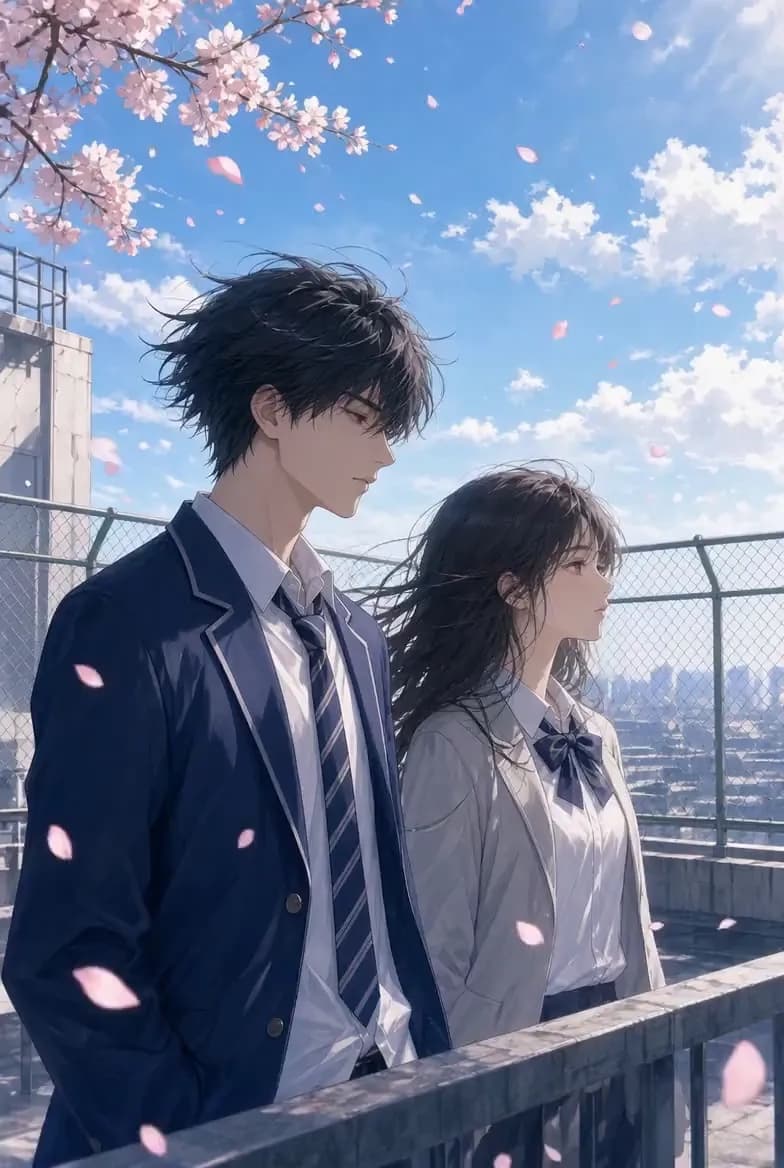
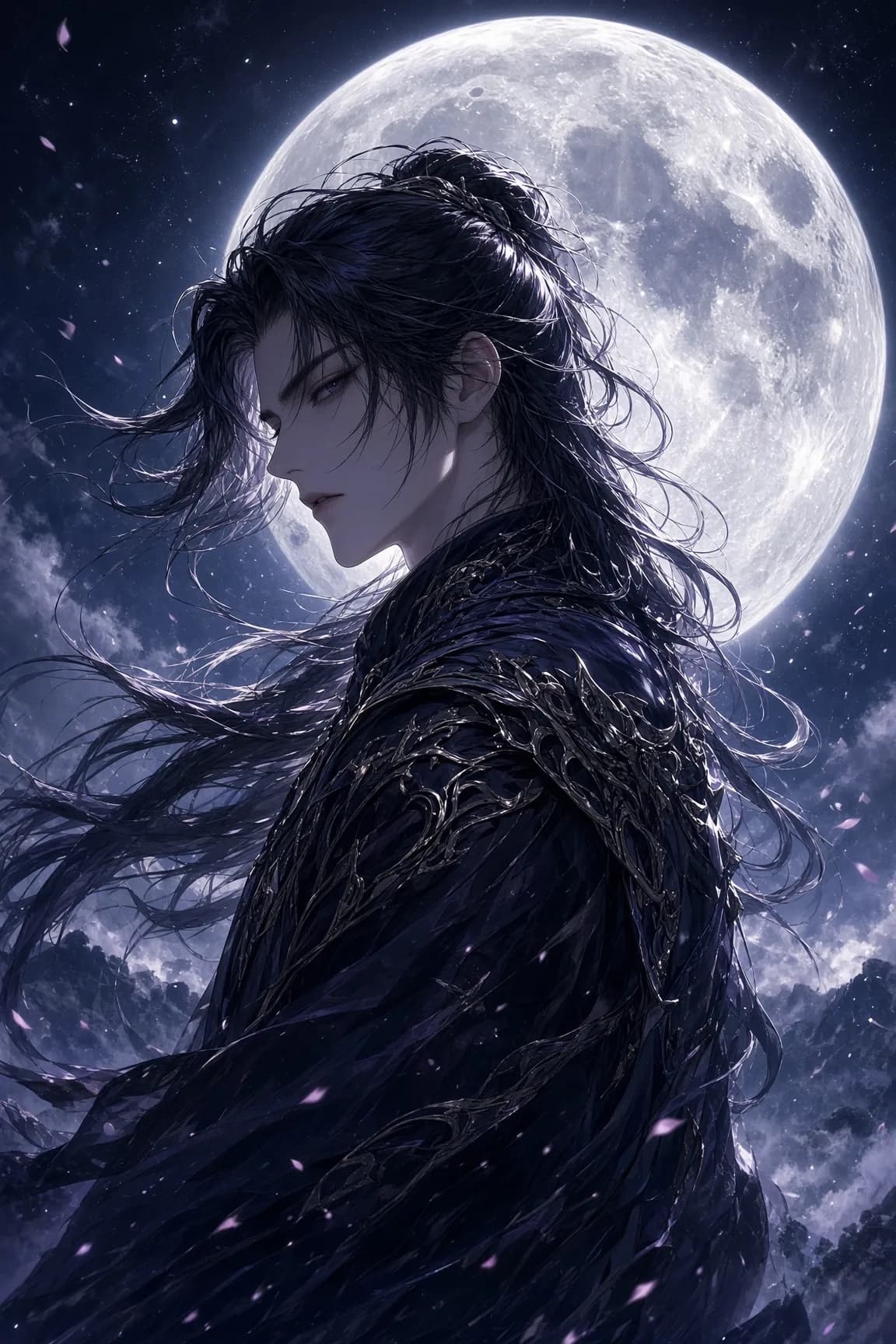
These are sample creations shown for product demonstration. Your own generations remain in your workspace unless you choose to share them.
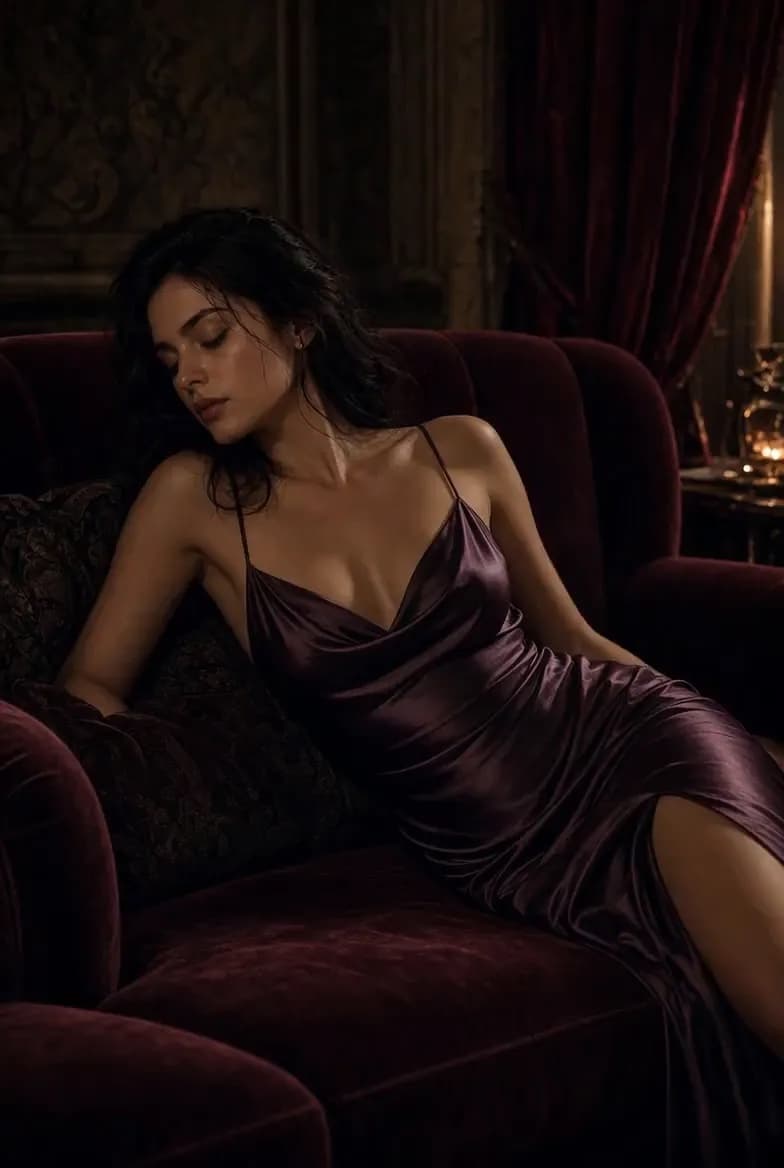
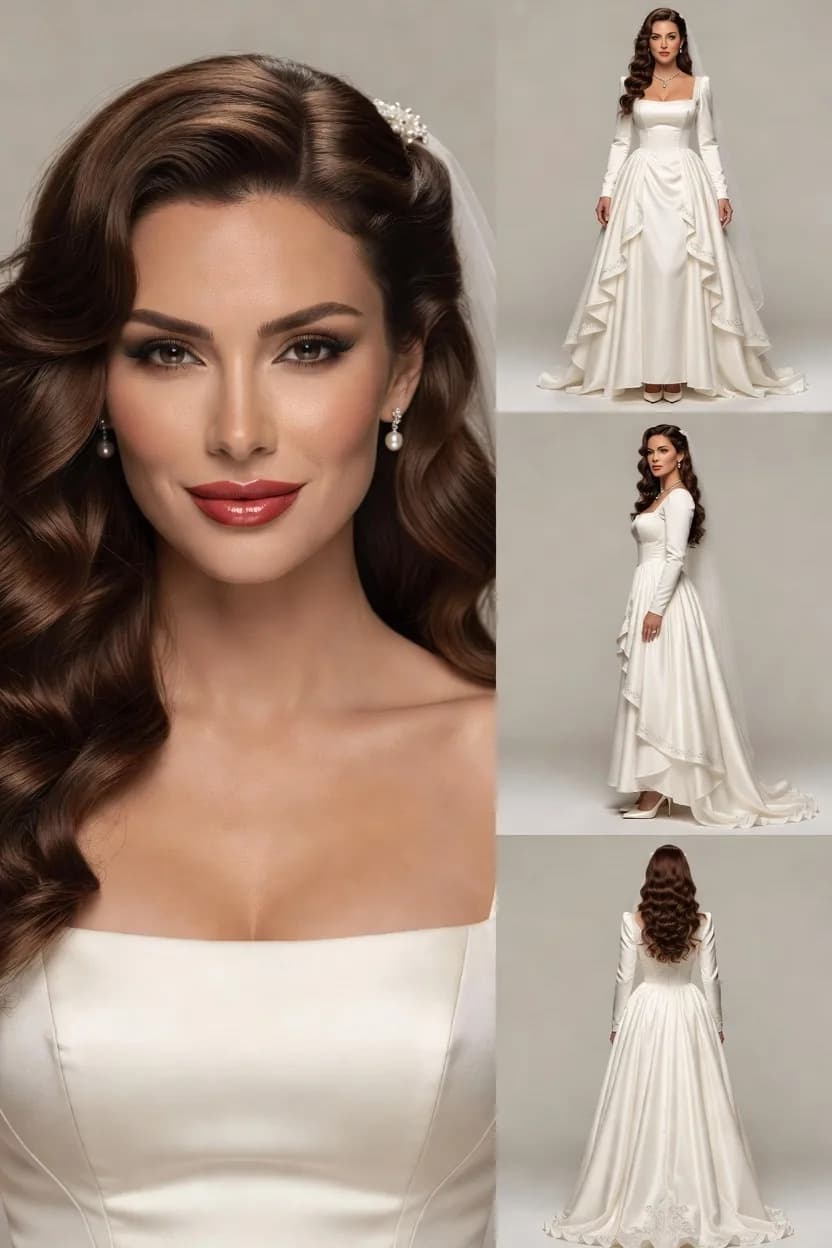
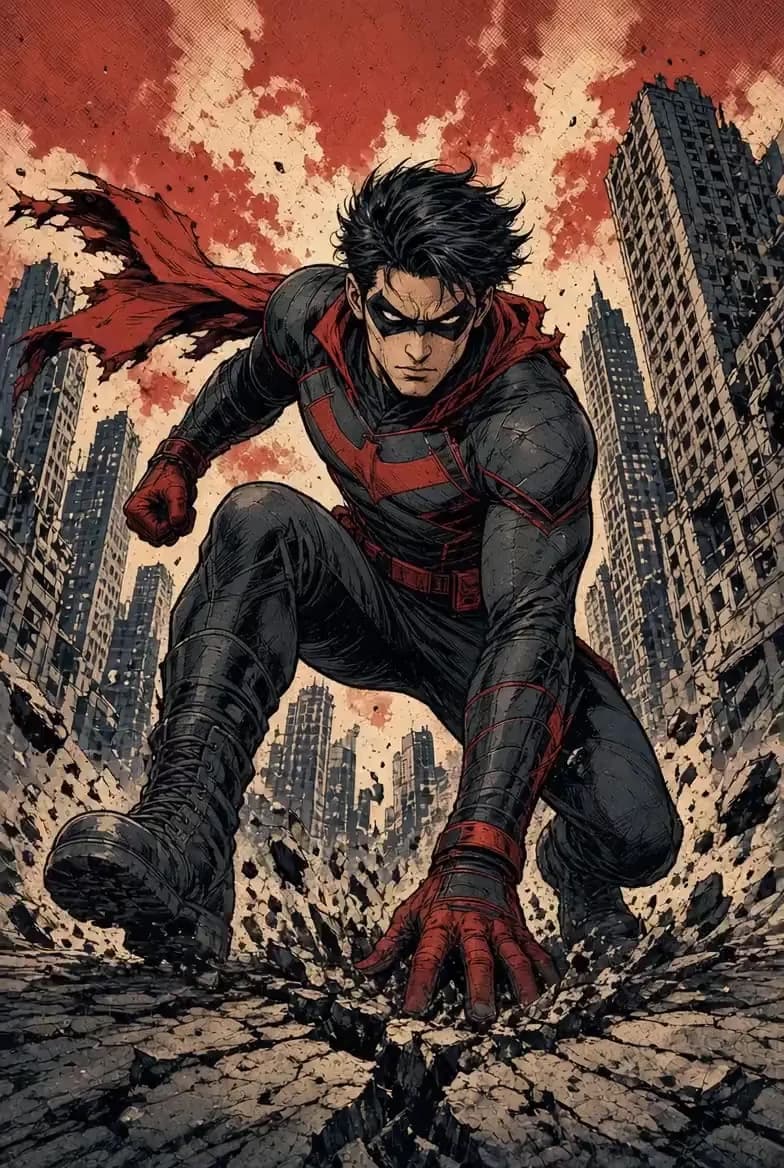
 YOUR WORK
Your uploads, prompts, references, and generations stay in your workspace. Your content is not published to a public feed unless you explicitly choose to share it.
Use content you have the right to use and respect applicable safety, likeness, and content rules.
Learn how Lumi Arts works, what you can create, how credits are calculated, and where your generations end up.
Lumi Arts is an AI visual creation platform for generating images, videos, characters, and visual transformations. Depending on the model, you can start from text, images, and supported video or audio references.
You can generate AI images and videos, create characters and portraits, transform existing visuals, create comics, swap faces, explore fashion concepts, and use specialized AI image and video tools.
No. Your generations stay in your workspace by default. They are not automatically published to a public feed.
Yes. Lumi Arts shows the estimated credit cost before you submit a generation. The final cost depends on the selected model and generation settings.
Available models depend on the workflow you choose. Each studio shows the supported inputs, image quality, video duration, resolution, references, and generation cost.
Yes, when supported by the selected model. References can help guide identity, pose, style, composition, motion, or other visual details.
Credits reserved for a failed generation are automatically returned.
Users must follow the platform’s Acceptable Use Policy and only use content they have the right to use. Additional restrictions may apply to real-person likenesses, illegal content, and harmful use.
Start with an image, a video, or one of Lumi Arts’s focused creative tools.